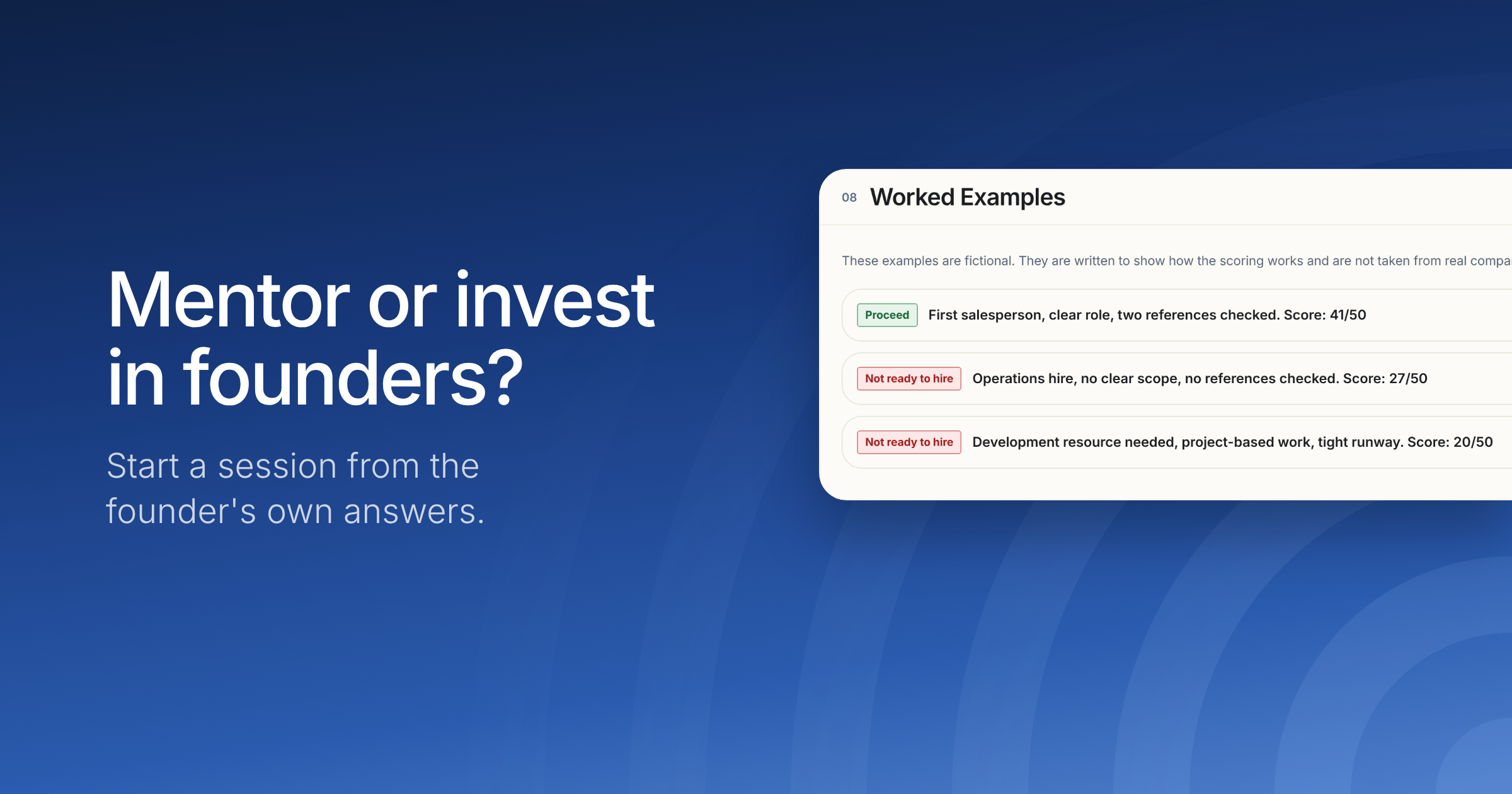
Check the evidence before you commit money, time or equity.
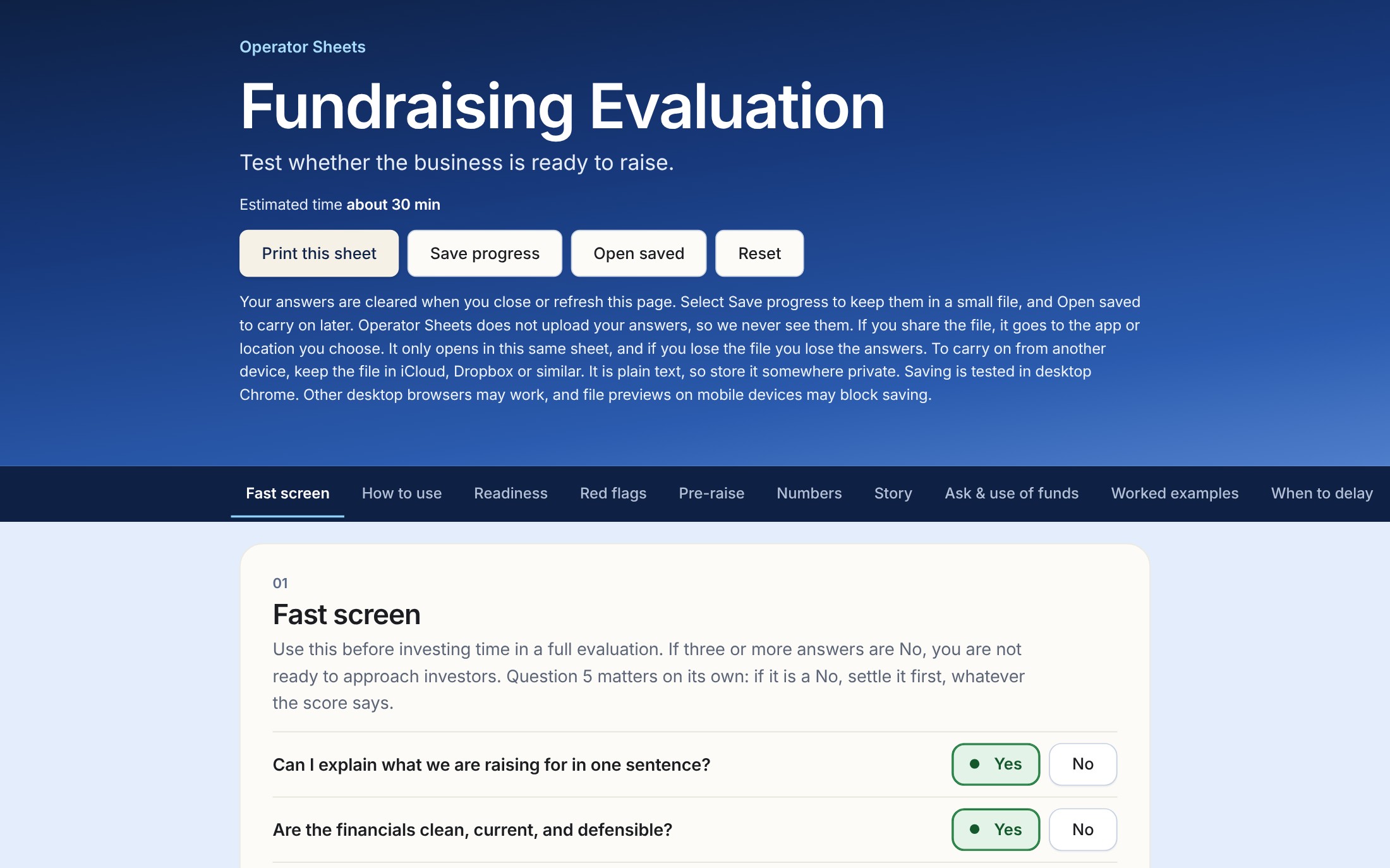
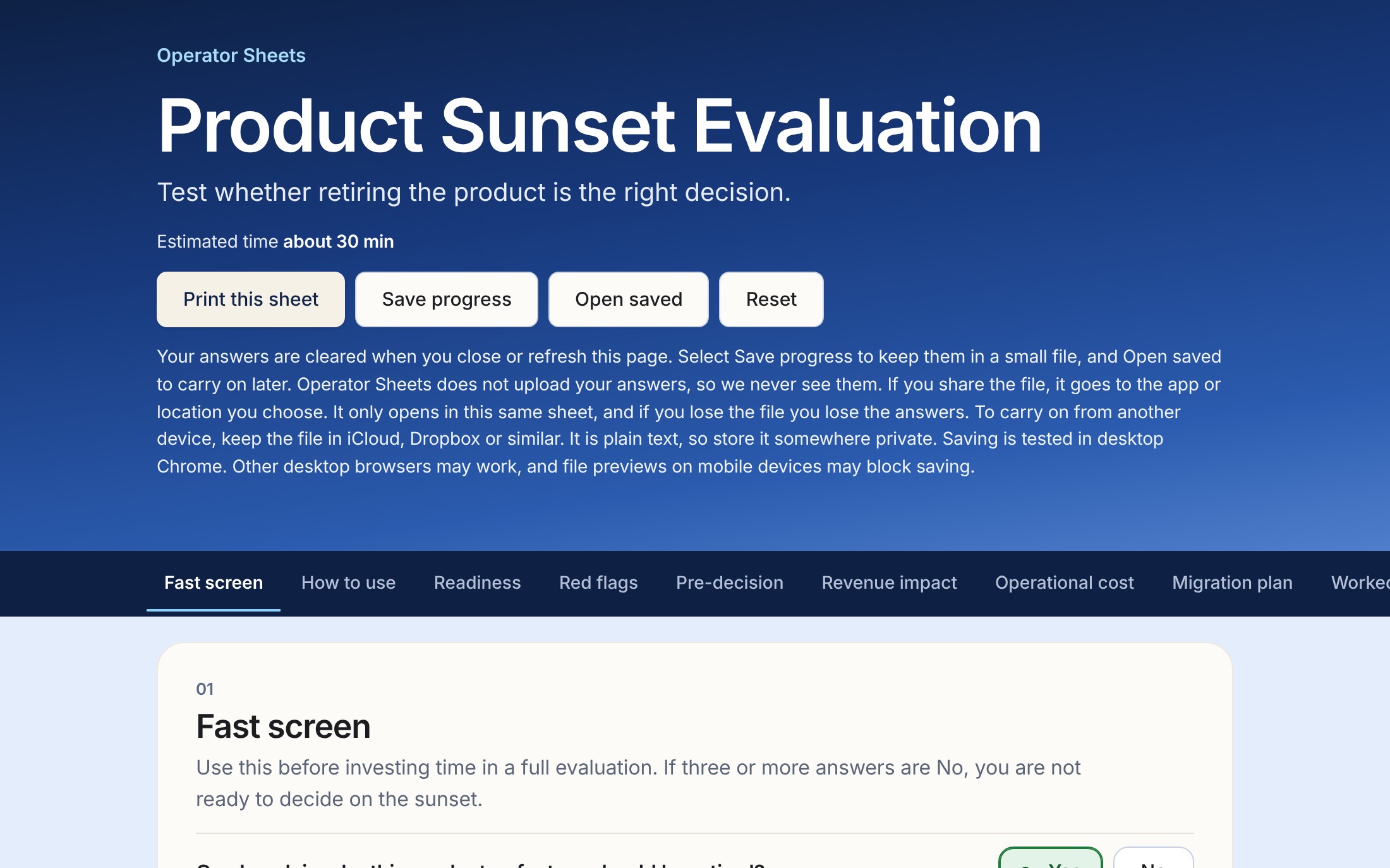
Worksheets for the decisions that cost you most when you get them wrong: a hire, a partner, a supplier, a price, a raise. You answer plain questions, score what you find, and write down why you decided.
By choosing this button you agree to us emailing you when new sheets come out. We will first send one email asking you to confirm. We can also see whether you open or click our emails. You can unsubscribe at any time from any email. Your email is held by Beehiiv, our newsletter provider. See the privacy notice.
What it looks like to use one
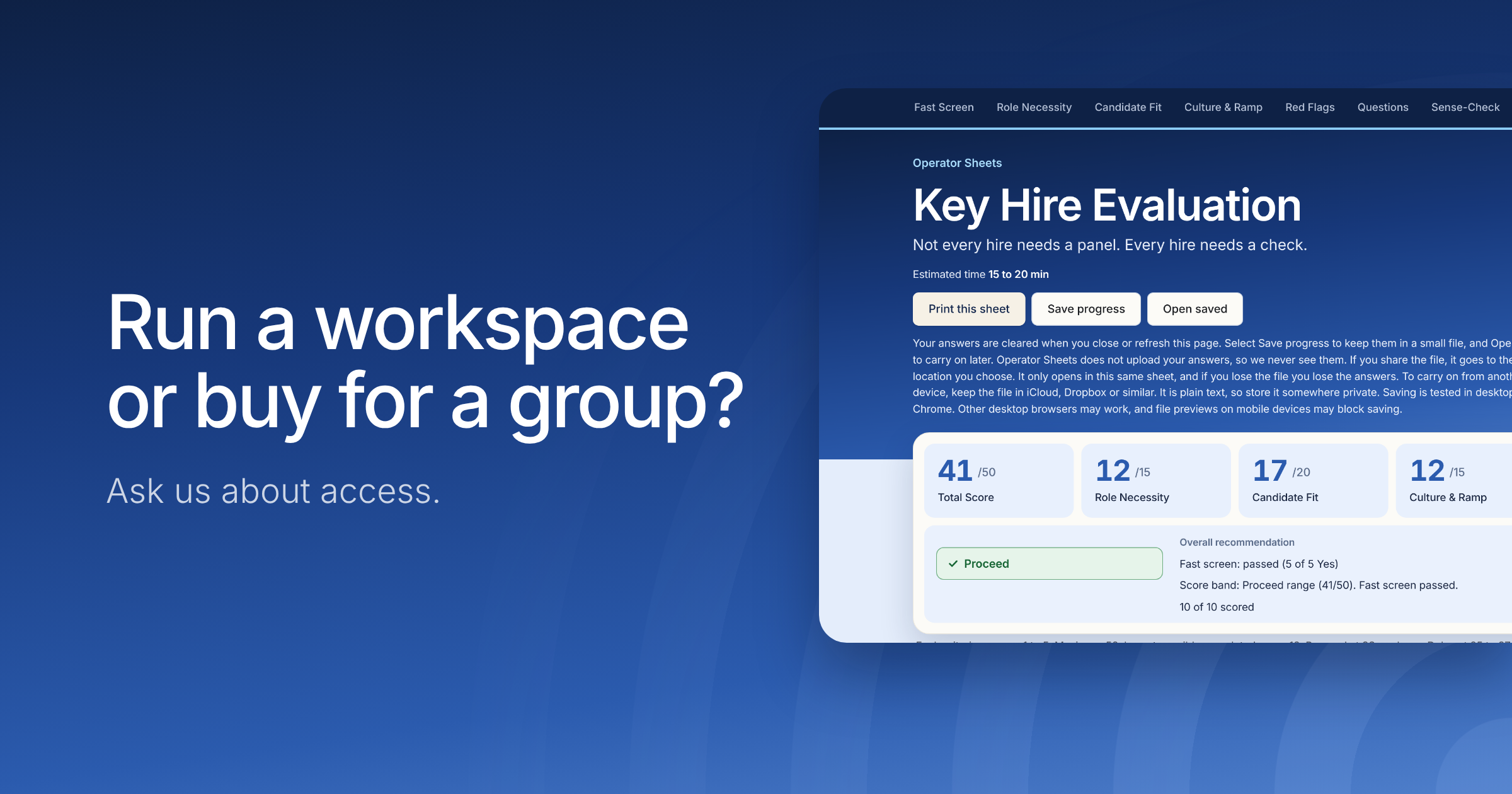
Each Operator Sheet is a worksheet for one decision. This one is the Key Hire Evaluation, shown with a fictional example.
Hire an operations manager?
Things feel chaotic, and a founder is thinking about hiring someone to sort it out. The salary would be £60,000 a year.
First three months, before anyone knows how much work is left£15,000
£0£60,000 for the year
Illustrative figures. Salary only; employer costs are not included.
One question the founder can't answer yet
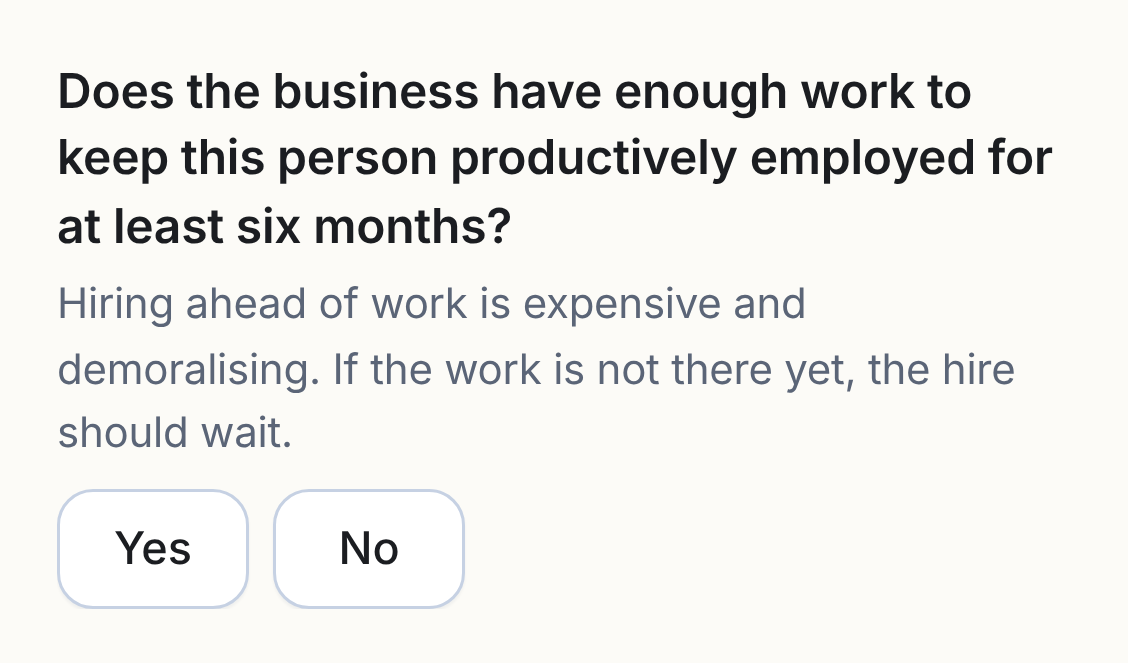
From the Key Hire Evaluation, Fast Screen
What the founder is really asking: How much of this work will still be there once we've cleared the backlog?
Fast screen answered: 4 of 5With one question unanswered, the sheet shows the screen as incomplete and gives no final recommendation yet.
Hire now, or find out how much work is left
Hire now
£15,000
salary only, first three months
Another £45,000 in salary if the hire stays for the rest of the year
The six-month question is still unanswered
The founder's response
Clear the backlog first
£6,000
three-month project
A fixed project to clear what is piled up
Then measure how much work is left
£9,000less over those three months. If the founder hires afterwards, this is not a saving on the hire.
One signal the sheet's Hire vs Contractor vs Delay check lists for considering a contractor: "Project defined, speed needed, budget uncertain". Illustrative figures.
What the founder decided
Before you make an offer, use the Key Hire Evaluation to check whether the business is ready to hire. You can write down what you decided and why, then share it with a co-founder. Allow 15 to 20 minutes for the full evaluation.
Example decision memo
An excerpt from the Key Hire Decision Memo. The founder has left the six-month question unanswered.
The sheet calculates
Fast screen outcome
Fast screen: not completed (4 of 5 answered)
Overall recommendation
No recommendation yet
The founder writes
Your decision
ProceedDelay (selected)Do Not HireThe founder chose to wait. The sheet hasn't made a recommendation yet.
Primary reason for decision
The work may be a one-off backlog, so I'll clear it before making a permanent hire.
Key risks not yet resolved
I don't know how much ongoing work will remain once the backlog is cleared.
Conditions attached (if delay)
At the end of the three-month project, measure how much work is left and revisit whether it justifies a permanent role.
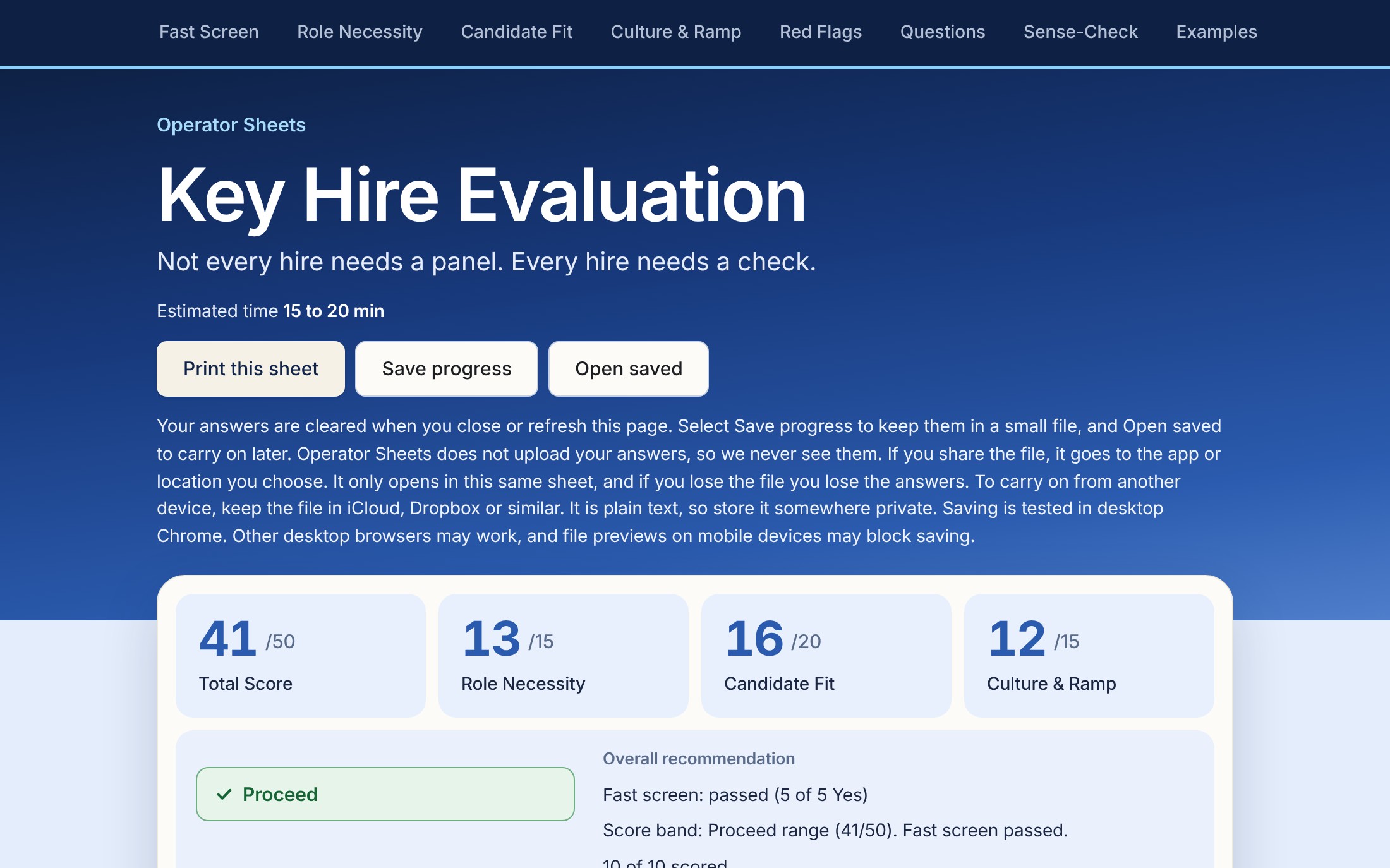
The same founder after the project, with a candidate and the evaluation complete. Illustrative figures.
The sheet calculates
Summary score
Total 41/50 | Role 12/15 | Candidate 17/20 | Culture 12/15
Fast screen outcome
Fast screen: passed (5 of 5 Yes)
Overall recommendation
Proceed
The founder writes
Your decision
Proceed (selected)DelayDo Not HireMatches the result.
Primary reason for decision
The backlog is cleared, and the work that is left is enough to keep an operations manager busy for six months.
Key risks not yet resolved
How quickly the new hire gets up to speed.
90-day success criteria
Handovers written down, and the weekly report running without chasing.
Each paid evaluation also has worked examples, red flags, questions to answer first, and a place to write down what you decided and why. The free checklist is the quickest way to try it.
Illustrative only. The company, the £60,000 salary and the £6,000 project are examples, not a quote or a real business. A final score-based recommendation needs all five fast-screen questions answered and all ten criteria scored. Two or more No answers stop the sheet early, and one No must be resolved before proceeding.
Start with the decision in front of you
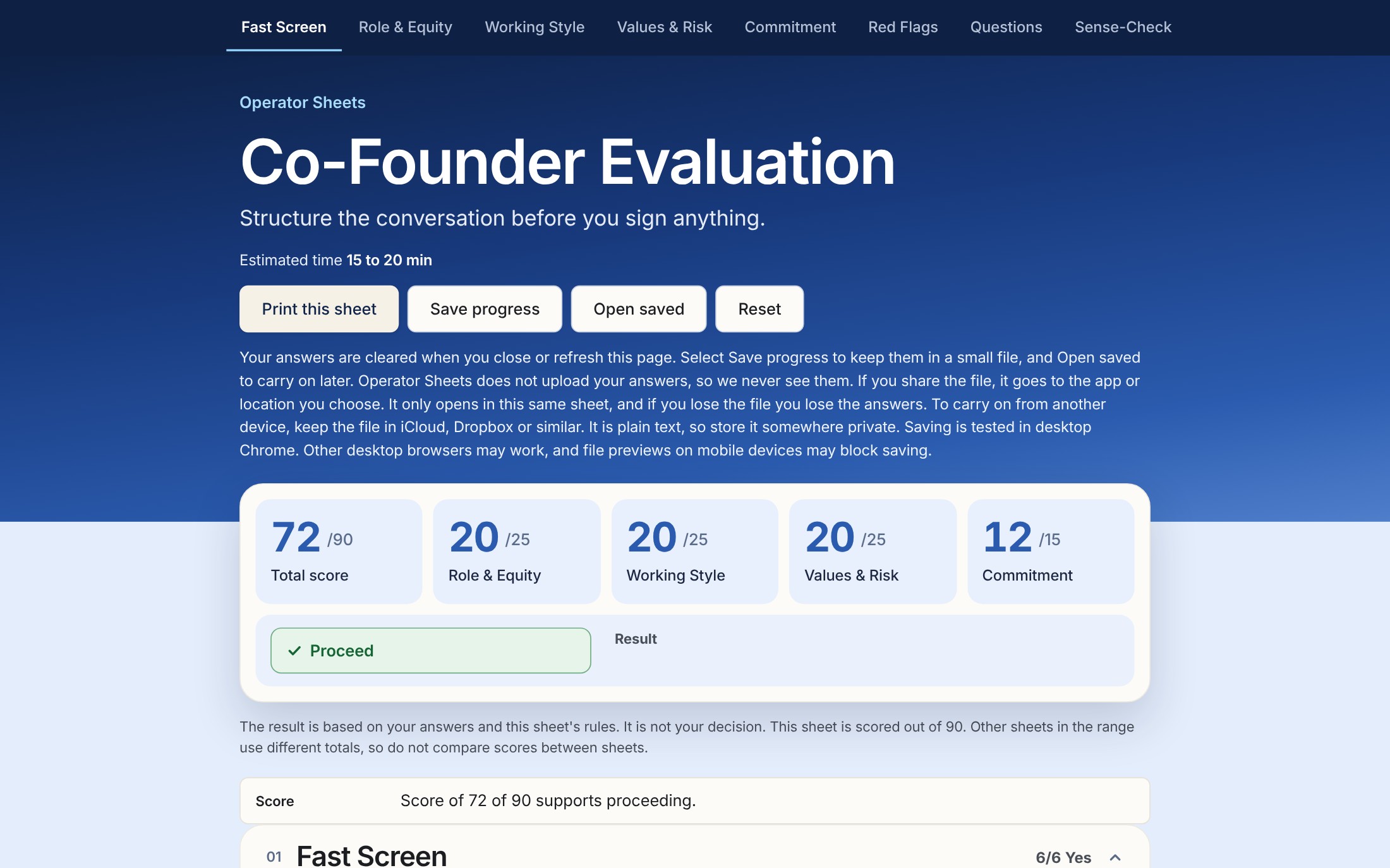
Twelve evaluations in two stages, so you can start with the set that matches where your business is. Completion times shown on each sheet are our estimates, not timed user testing.
Stage 1: Setting up the business
Five evaluations for decisions about co-founders, key hires, outside help, spending and direction. £15 per sheet, plus VAT where it applies. Any sheet works at any stage; the groups are a guide.
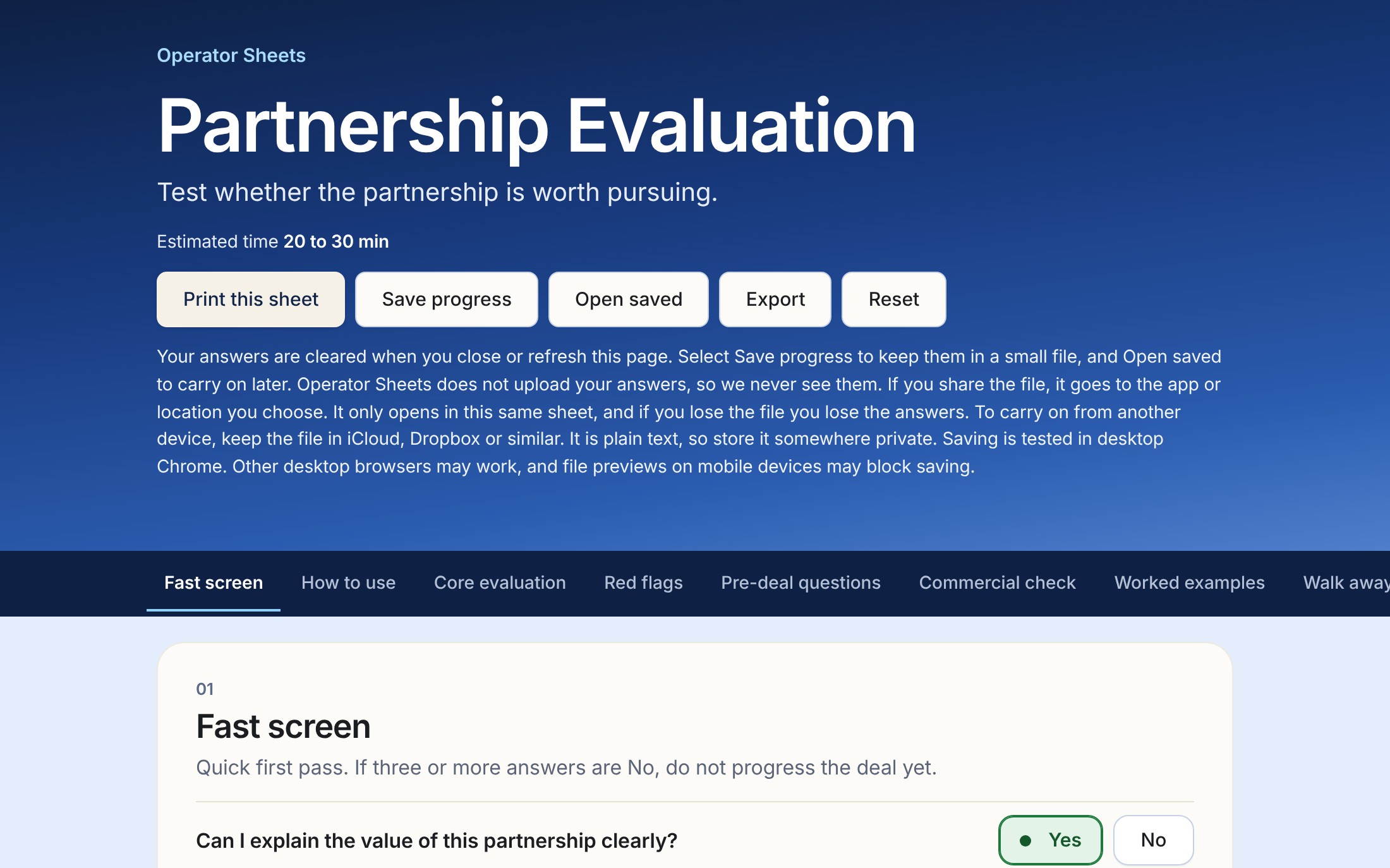
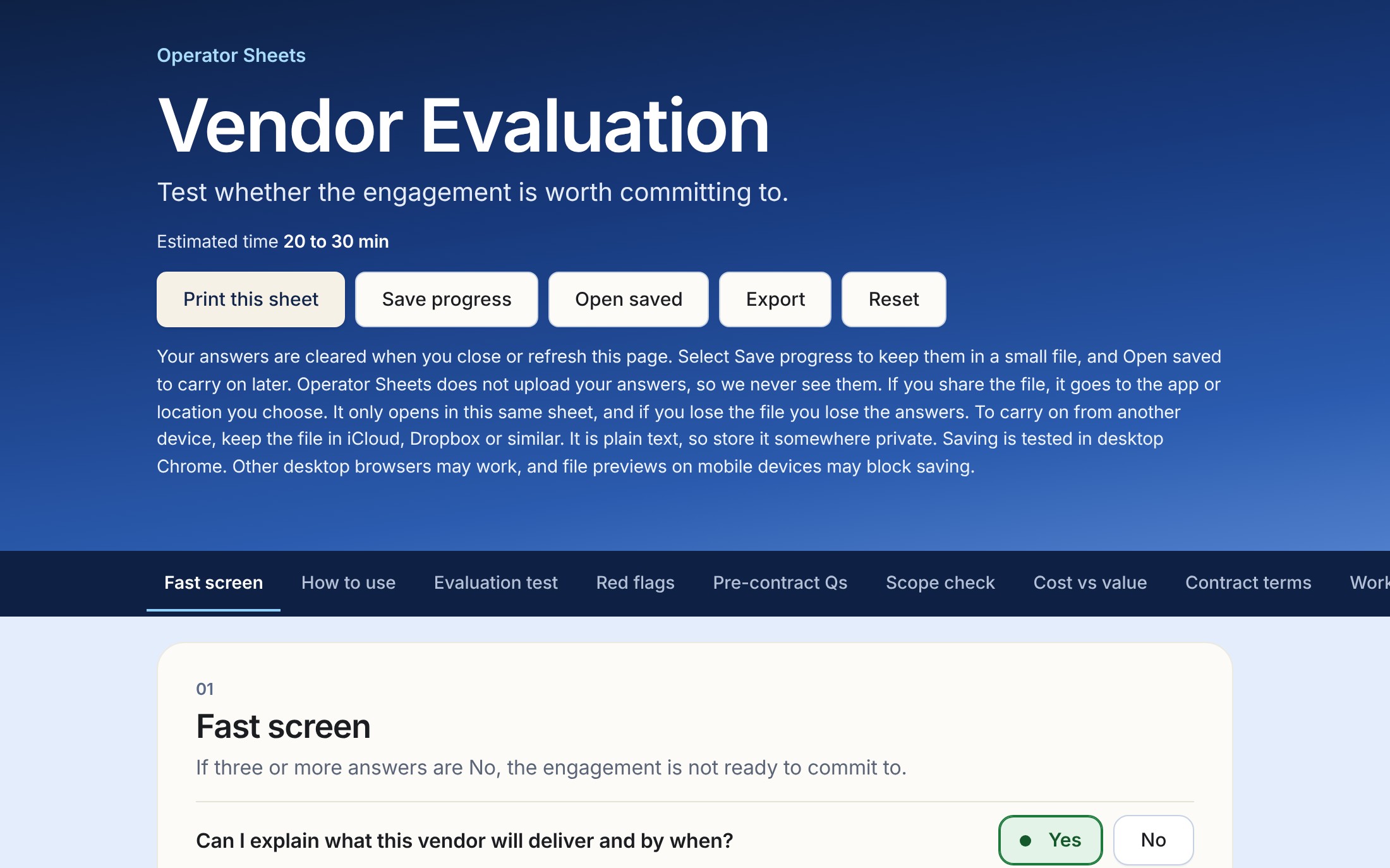
Key Hire is the short check for one hire, 15 to 20 minutes. Hiring, in Stage 2, covers a whole search and adds an interview scorecard, a pay check and an offer memo. Agency & Freelancer is the quick check for one proposal. Vendor, in Stage 2, is the fuller check for a supplier you’ll depend on.
Stage 2: Running the business
Decisions with money, staff, suppliers or customers already on the line. £29 per sheet, plus VAT where it applies. Core Business Decisions already includes People & Partnerships, so you don't need both.
Select an evaluation and its details open over this page. Prices, bundles included, are in pounds and plus VAT where it applies. Gumroad processes payment in US dollars, so your receipt and card statement show the converted amount.
Which would you like us to make next?
Tap as many as you like. Your taps help us decide what to build, and it doesn't sign you up for anything.
Letting Someone GoAbout to let someone go
Dropping a CustomerA customer is too big a share, or too much trouble
Build or BuyChoosing between building it and buying it
Start or SkipDeciding whether an idea is worth starting
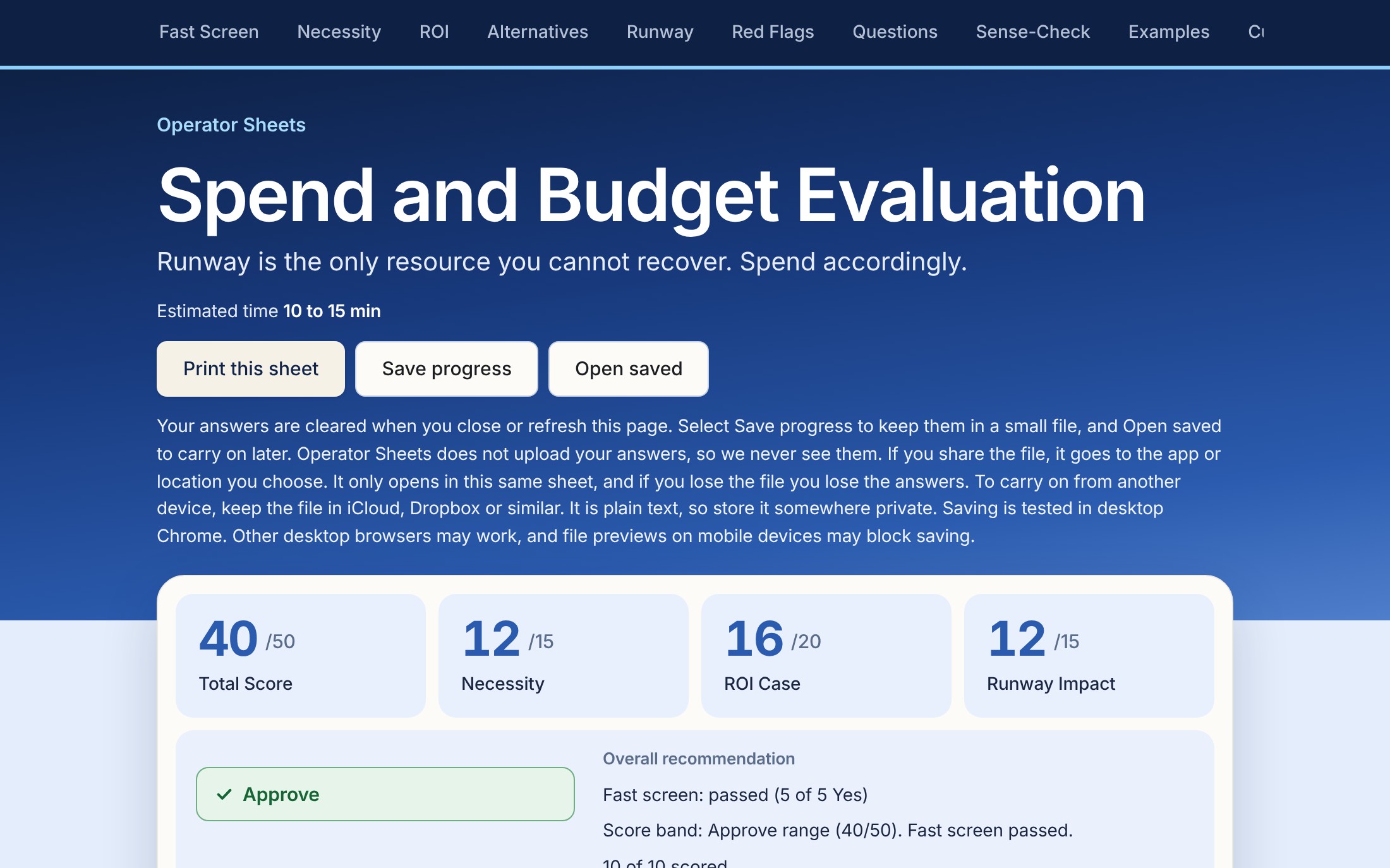
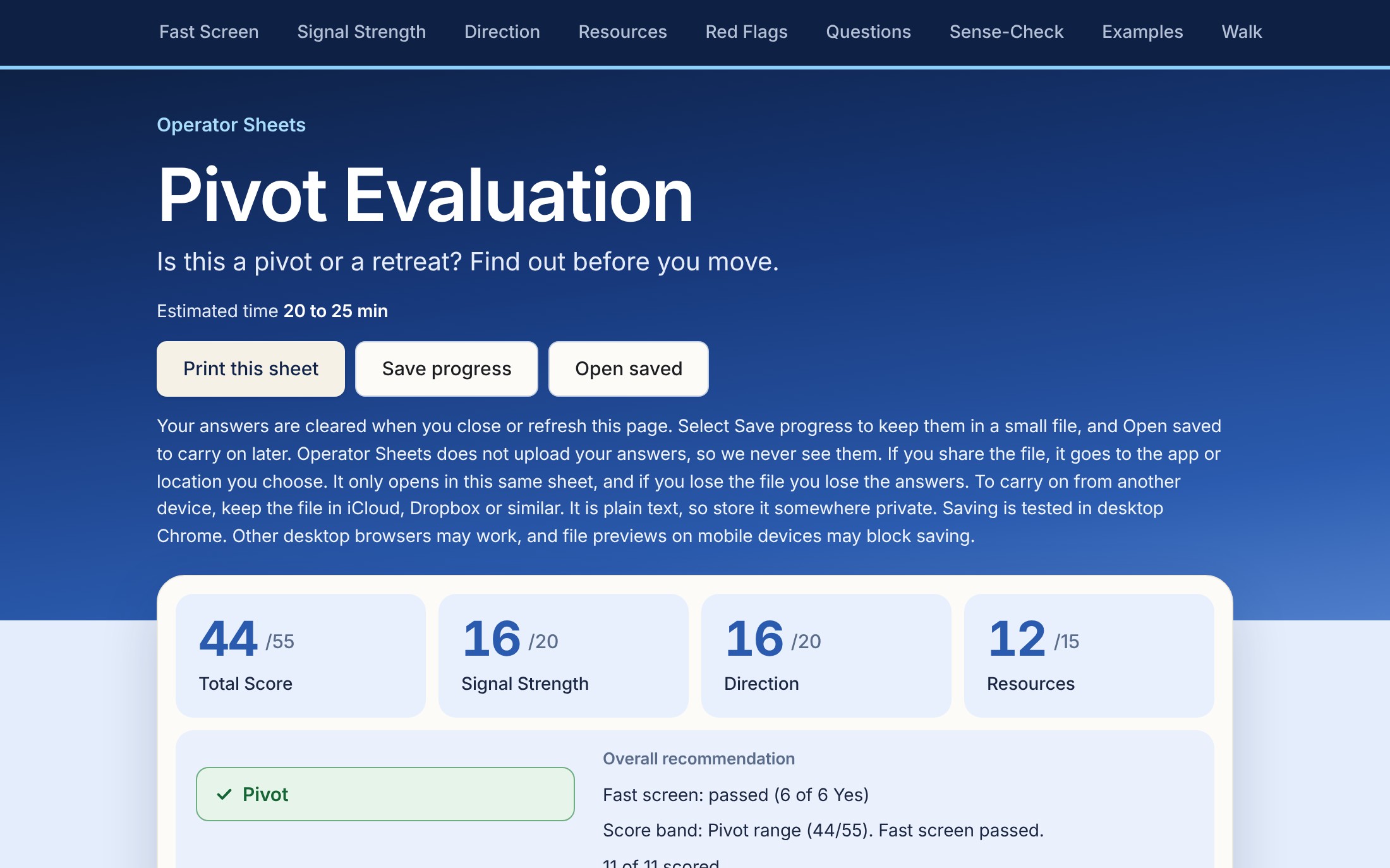
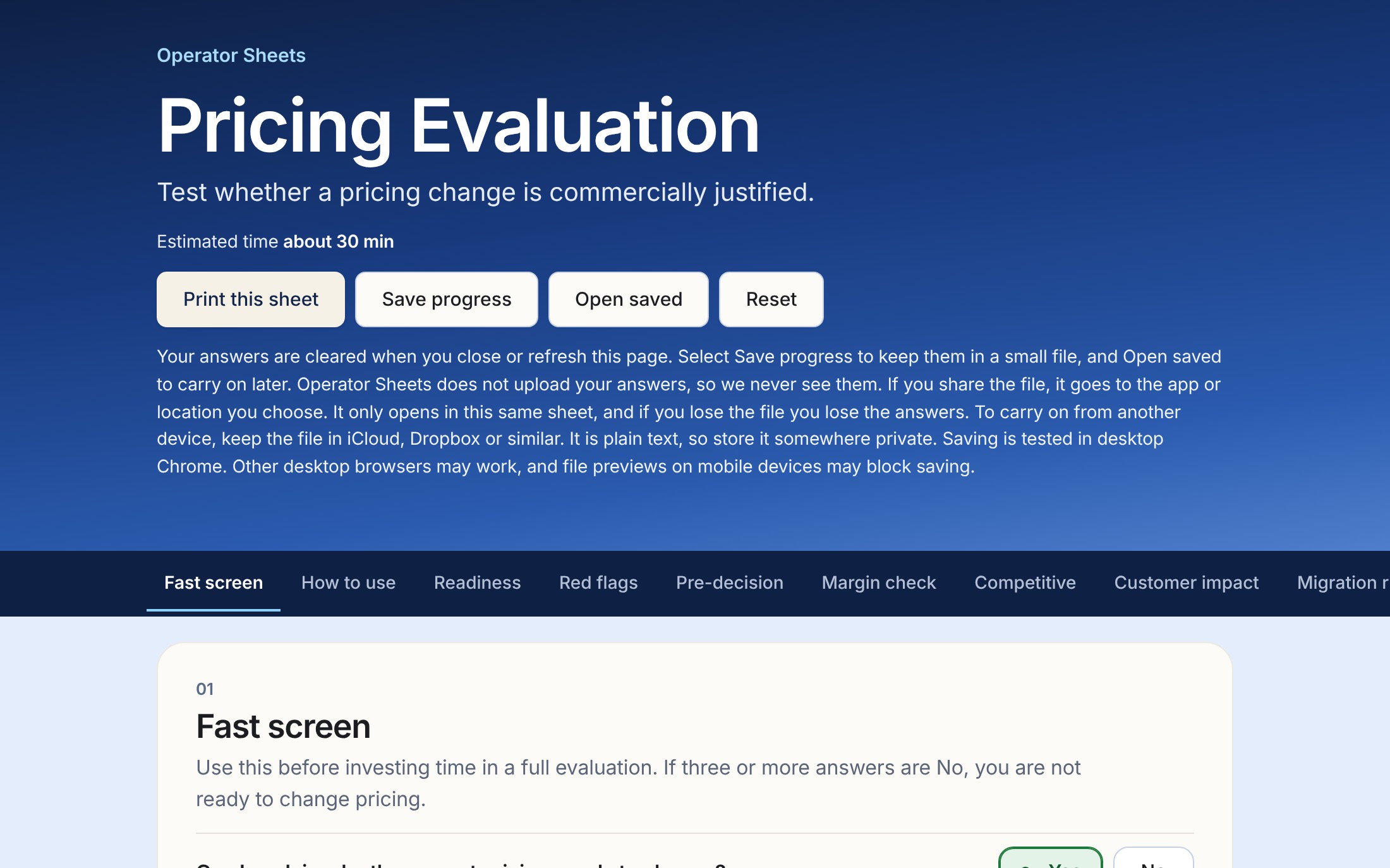
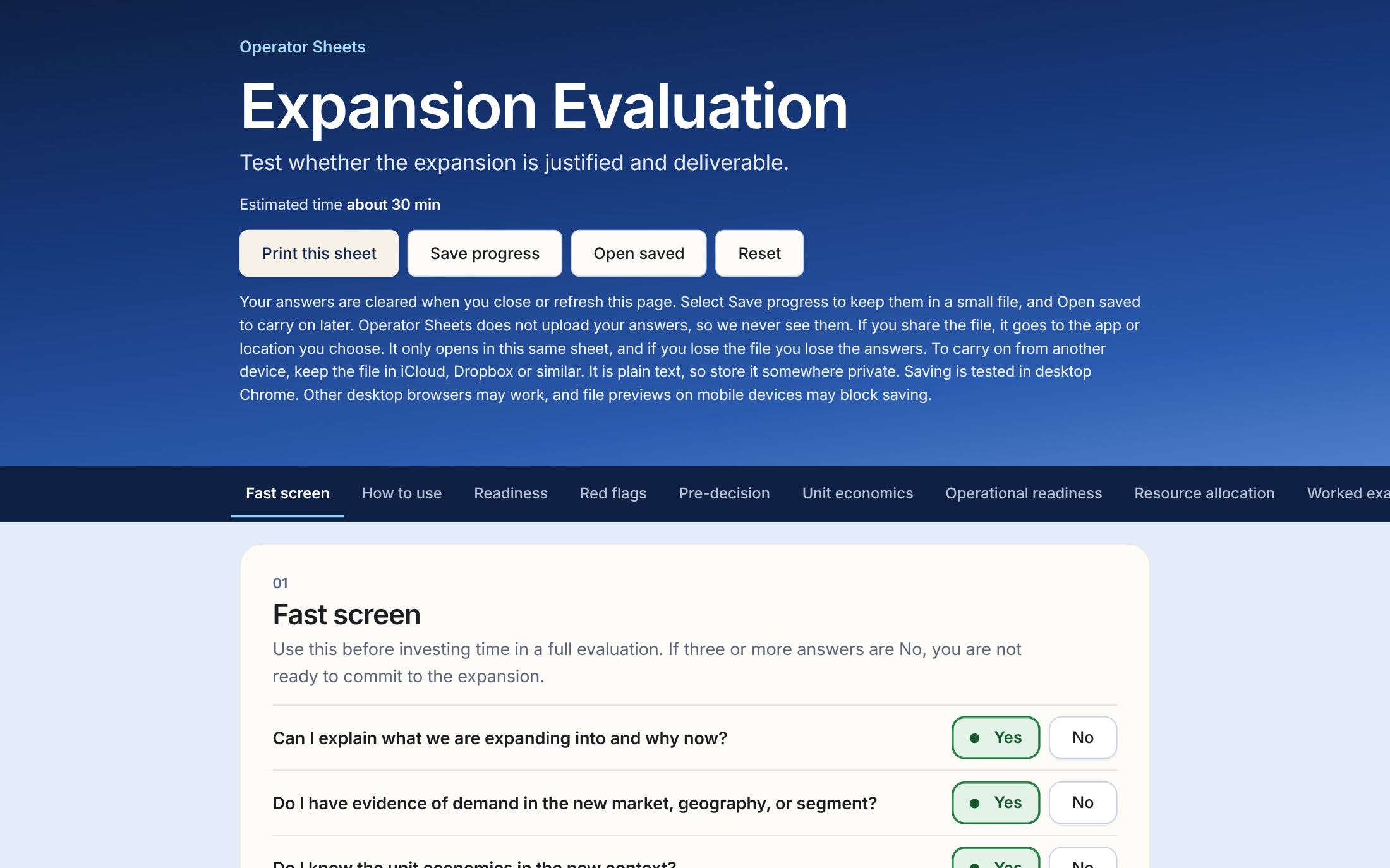
Three formats. The HTML version opens in your browser and scores as you go. Save progress keeps your answers in a small file on your device, and Open saved carries on later. Saving is tested in desktop Chrome. The Word version is editable. The PDF is for printing. With Word and PDF you fill in the answers and add up the score by hand, and the PDFs are not fillable forms.
Not sure which one? Key Hire or Hiring, Agency & Freelancer or Vendor
Key Hire or Hiring?
Key Hire is the short one, estimated at 15 to 20 minutes, for a single hire you're about to make. Is there a written job description, enough work for six months, a 30 day onboarding plan? It has no interview scorecard.
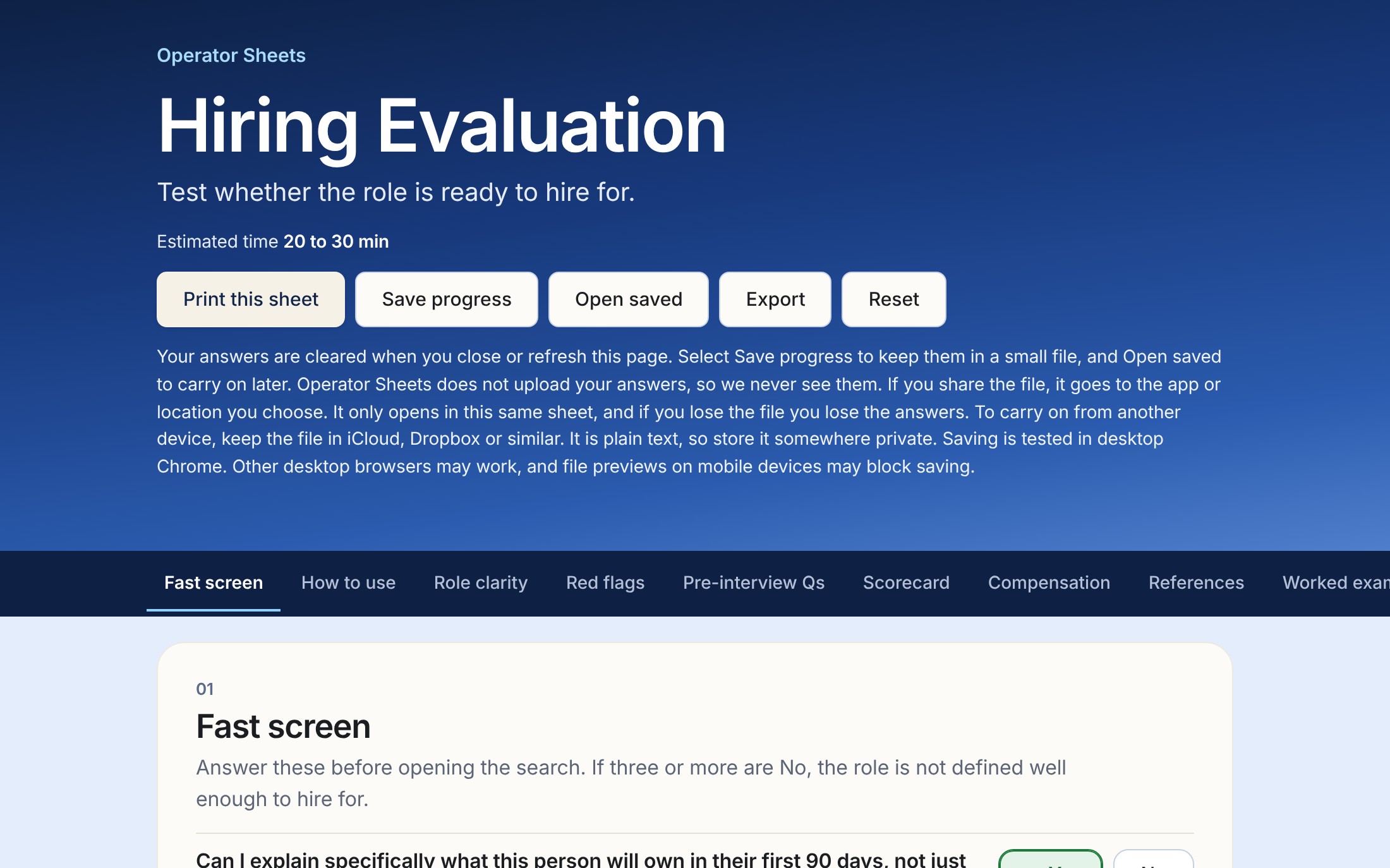
Hiring is estimated at 20 to 30 minutes and covers the whole search. It starts with whether the role is clear enough to recruit for, then adds an interview scorecard, a pay check, a reference call framework, an offer memo and a 90 day review.
Agency & Freelancer or Vendor?
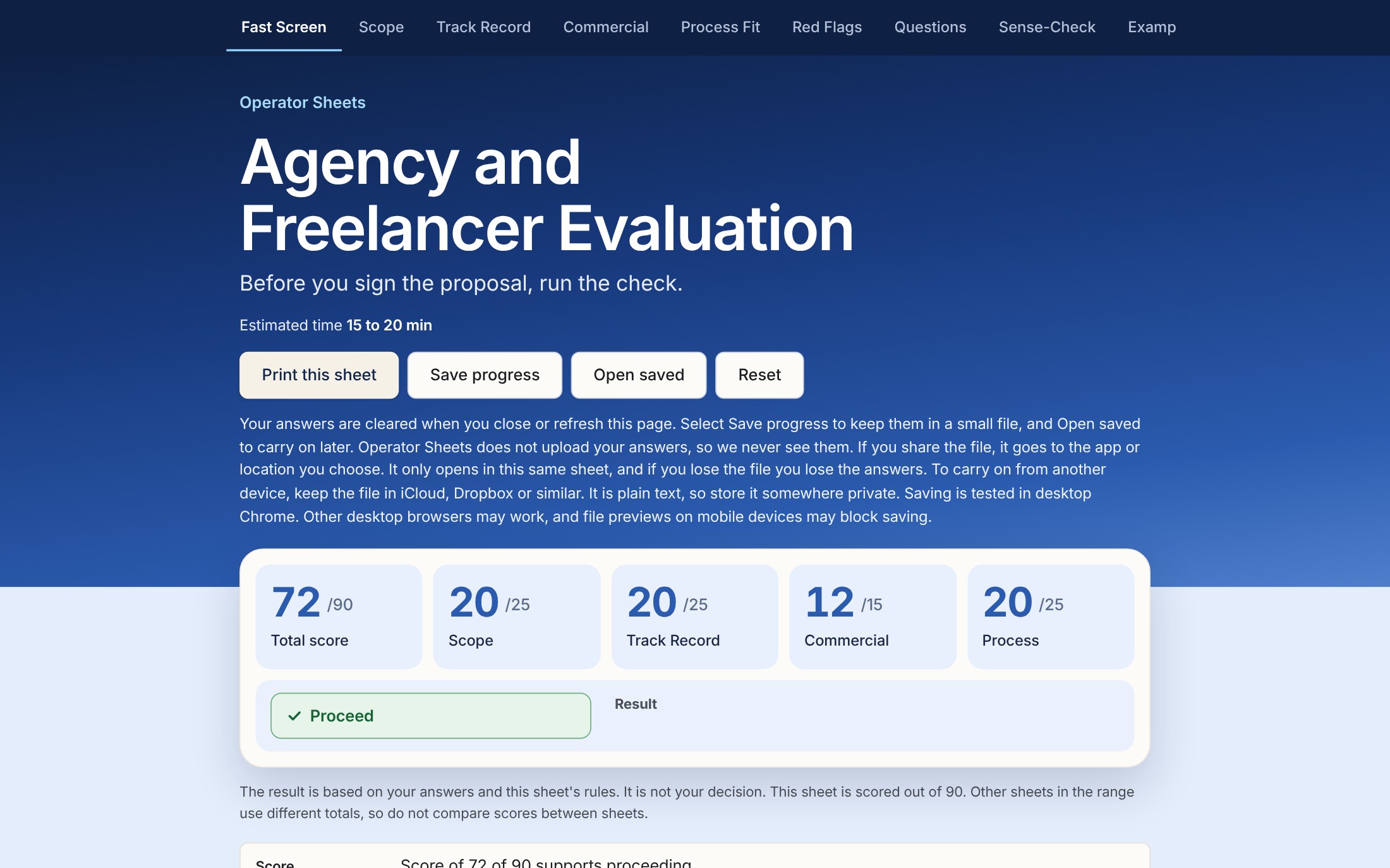
Agency & Freelancer is what you run before signing one provider's proposal: relevant work, a reference you can call, written scope, an exit clause and who owns the IP.
Vendor is the fuller check for a supplier you'll depend on. It adds a cost against value check, a contract terms checklist, a test for when to walk away or switch, and a review at 90 days.
What these tools don't do
They won't give you the right answer or take the uncertainty away. They make you look at what you know and what you're assuming.
The score reads back your own answers. The decision is yours.
In the downloadable HTML files that come with the paid evaluations, Save progress keeps your answers in a small file on your device and Open saved carries on later. Saving is tested in desktop Chrome. If you don't save, closing the page clears your answers, so print first. Hiring, Partnership and Vendor can also export.
These are digital downloads, delivered immediately, so we do not offer refunds for a change of mind. If a file is faulty or will not open, email [email protected] and we will put it right. Try the free checklist first if you want to see how they work.
The Word version is editable and the PDF is for printing. Both require manual scoring.